Vivo and iQOO: enabling autostart for parental control
Keep AlvaKids running on Funtouch OS and OriginOS so SafeKids360 parental control never goes offline.
Updated: 2026-06-06
Vivo and iQOO phones run Funtouch OS or OriginOS, and both are strict about background apps. If AlvaKids is not allowed to autostart, the system closes it after a reboot or after a few minutes in the background, and the child's profile turns grey in the SafeKids360 parent app. Three settings fix this: autostart, high background battery usage, and locking the app in recents.
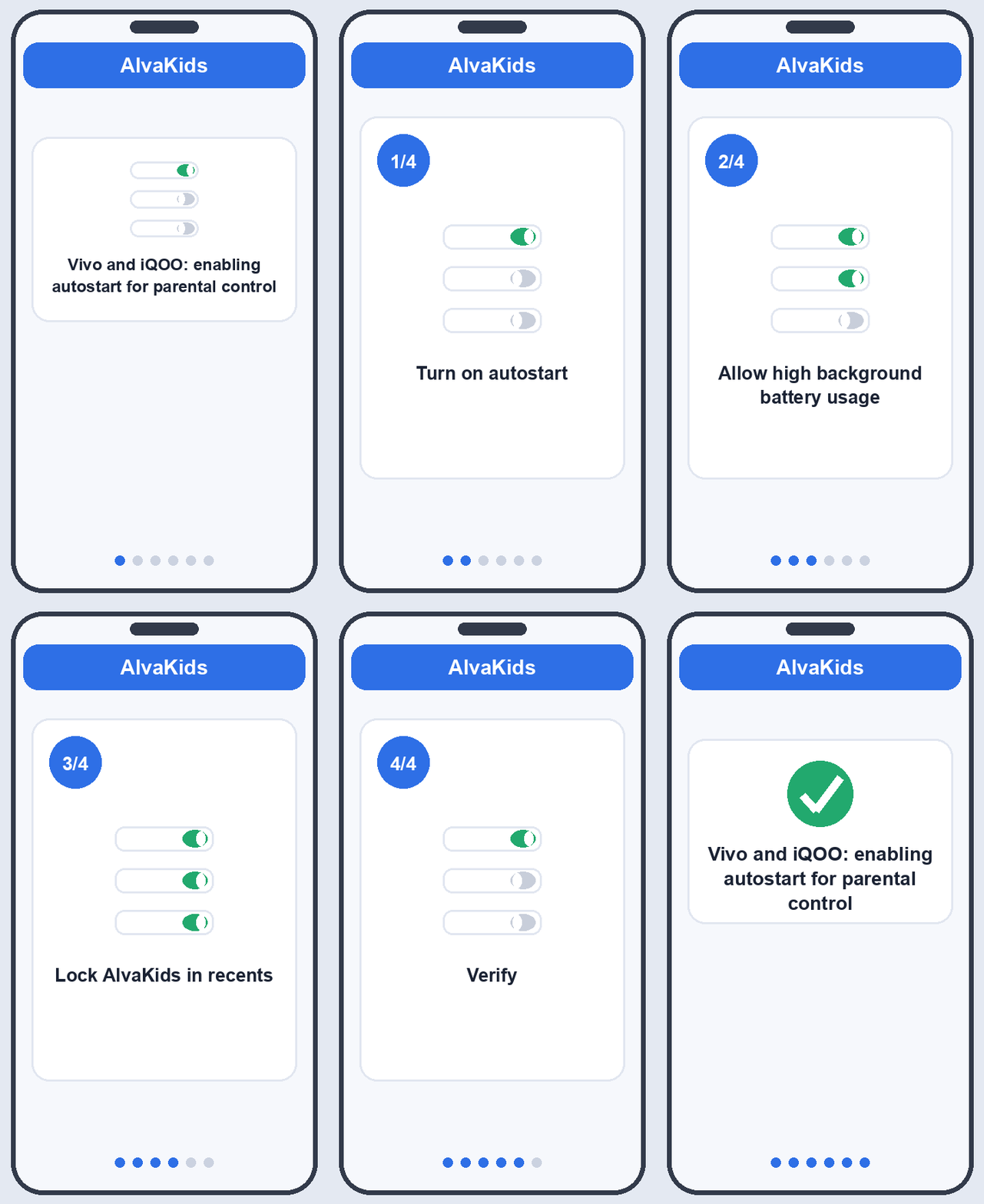
1. Turn on autostart
- Open Settings.
- Go to Battery (on some builds, More settings > Permission manager).
- Tap Background power consumption management (or Auto-start).
- Find AlvaKids in the list and toggle it on.
This lets AlvaKids start itself again after the phone reboots.
2. Allow high background battery usage
- Still under Battery, open Background power consumption management.
- Tap AlvaKids.
- Choose Allow high background power consumption (or Allow background activity).
On OriginOS this may appear as Settings > Battery > AlvaKids > Allow background activity. Setting it to allowed stops the system from sleeping the app to save power.
3. Lock AlvaKids in recents
- Open the recent apps view (swipe up and hold, or tap the recents button).
- Find the AlvaKids card.
- Pull the card down, or tap the lock icon, until a small padlock appears.
A locked card is not cleared when you tidy up recent apps, so the protection service keeps running.
Tip
If the profile still goes offline, open Settings > Apps > AlvaKids > Battery usage and confirm it is set to No restrictions rather than Optimised or Restricted. iQOO gaming builds sometimes hide these toggles under Settings > Battery > Background power consumption management.
Verify
Restart the phone and wait one minute. In the SafeKids360 parent app, the child profile should turn green. If it does not, recheck each step above.
Next, make sure every core permission is granted: see Granting permissions on the kid app. If pairing itself is acting up, try Troubleshooting pairing problems.